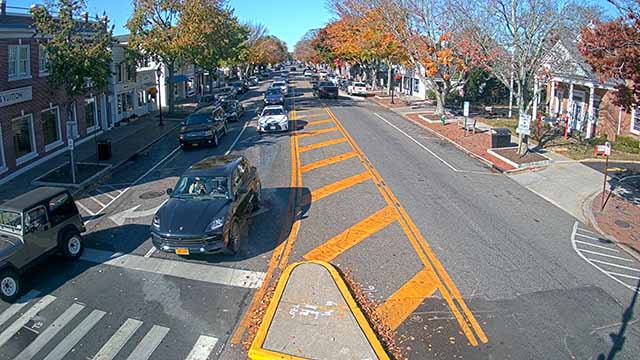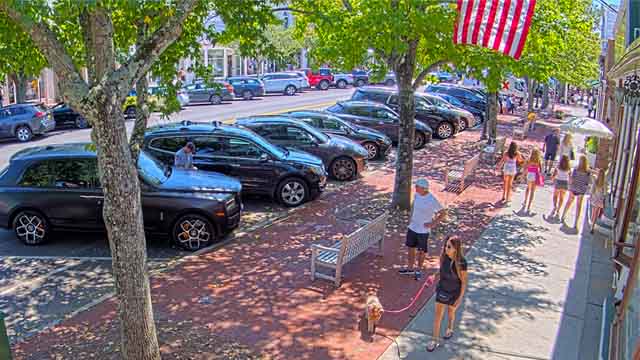
Main Street
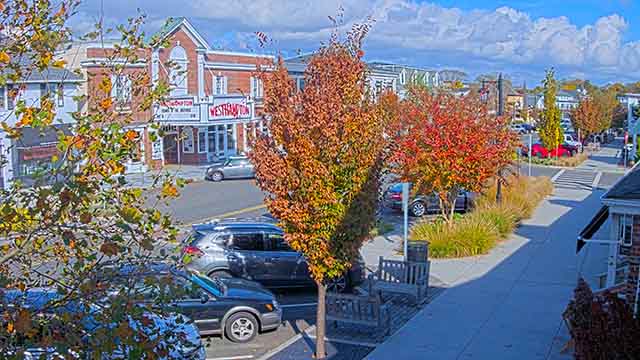
Westhampton

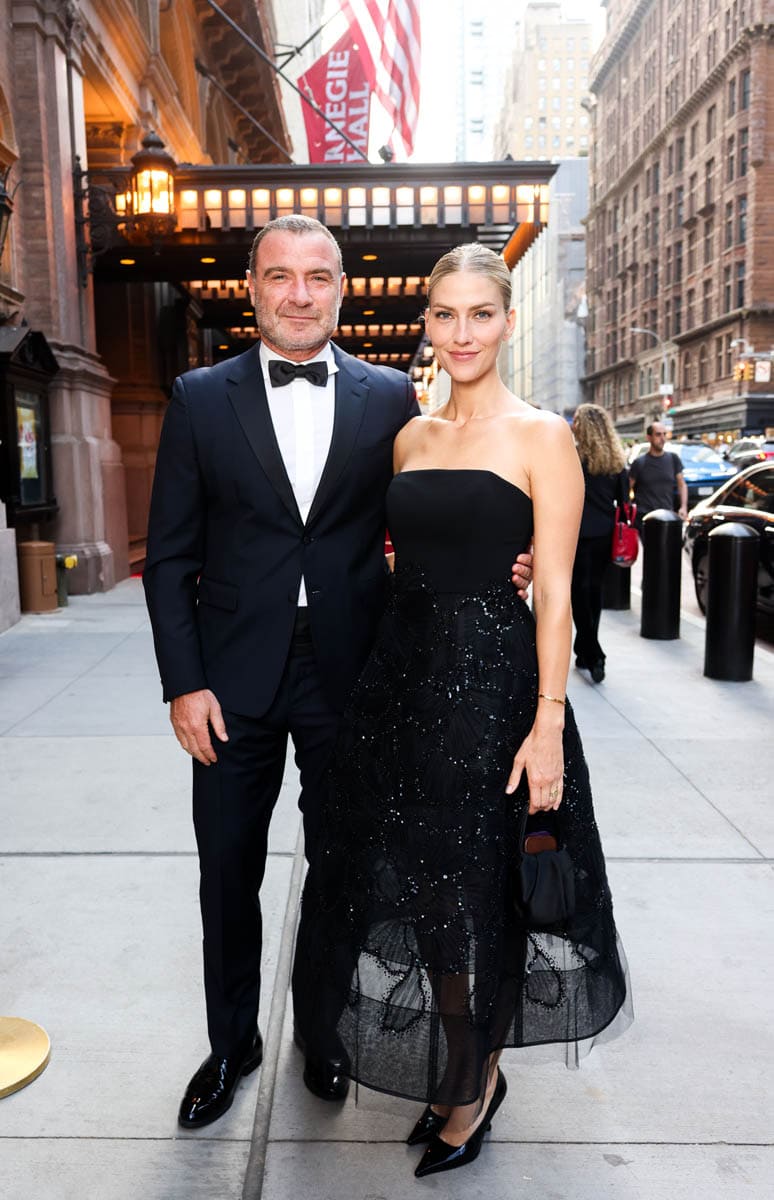

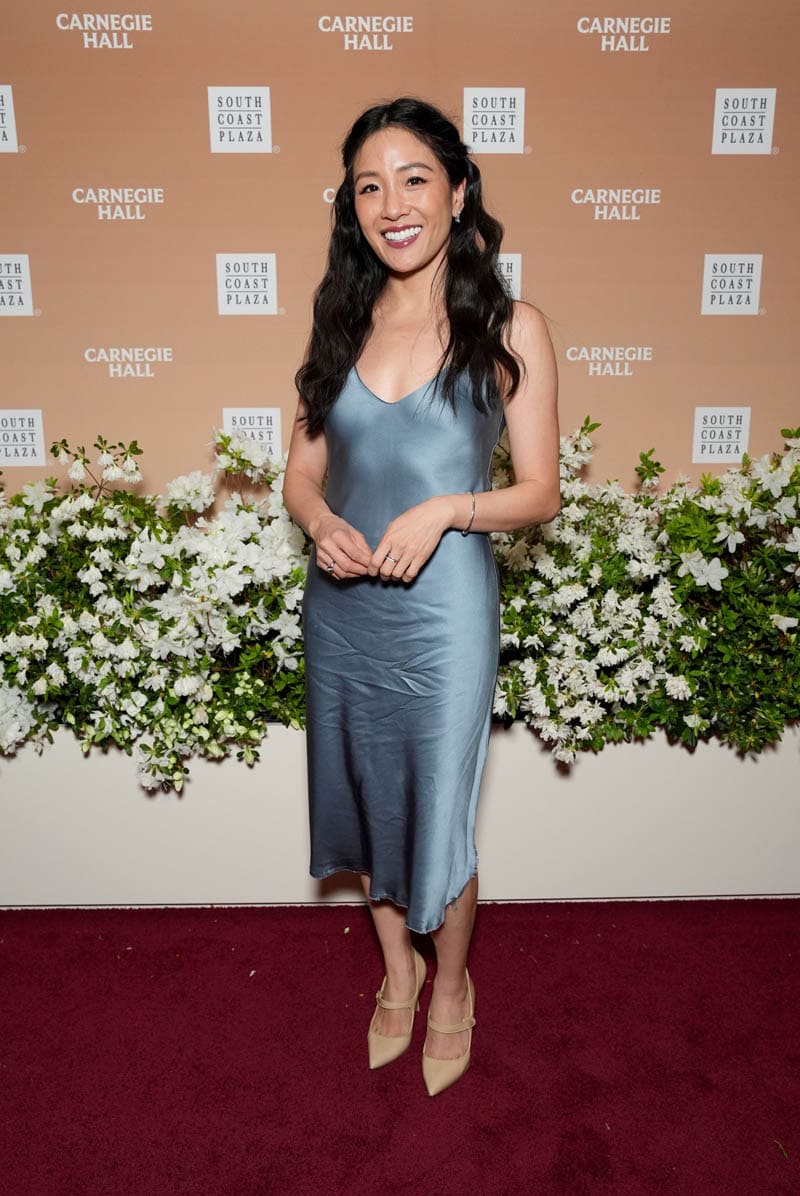




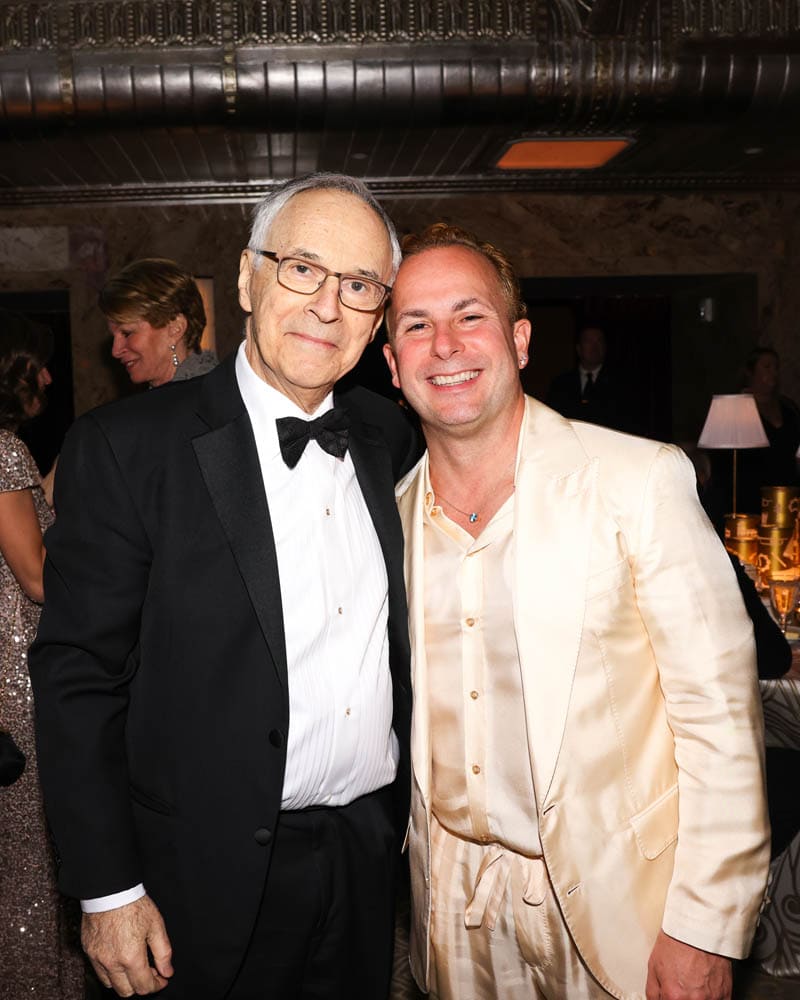

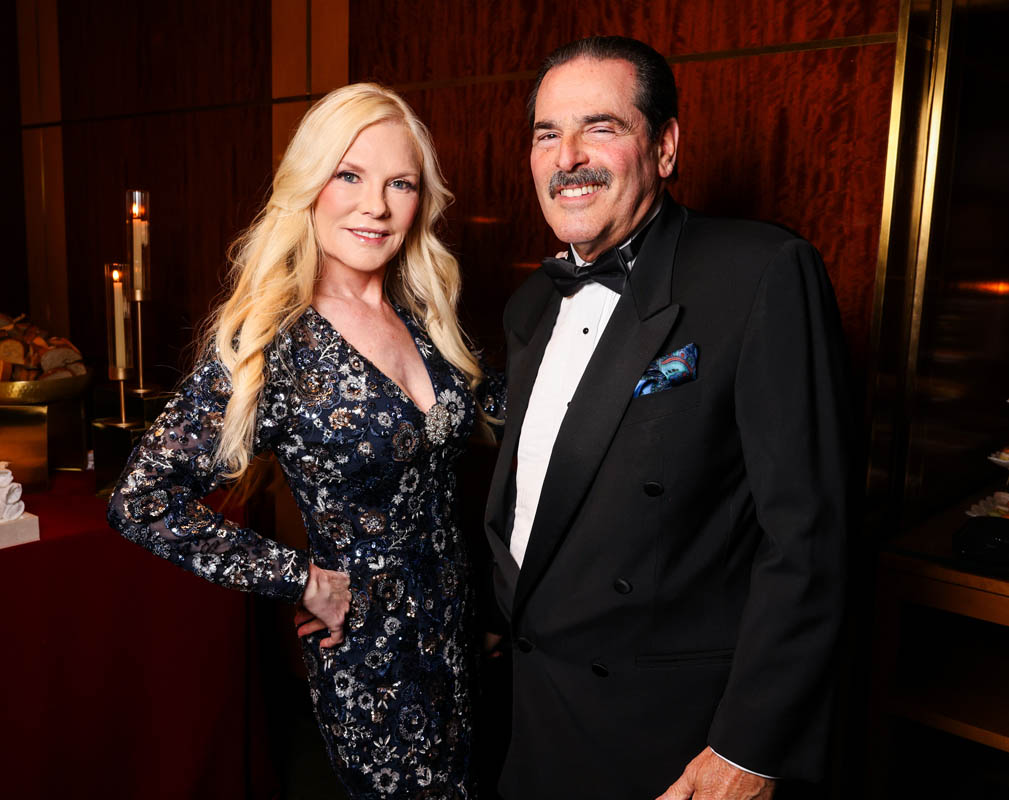
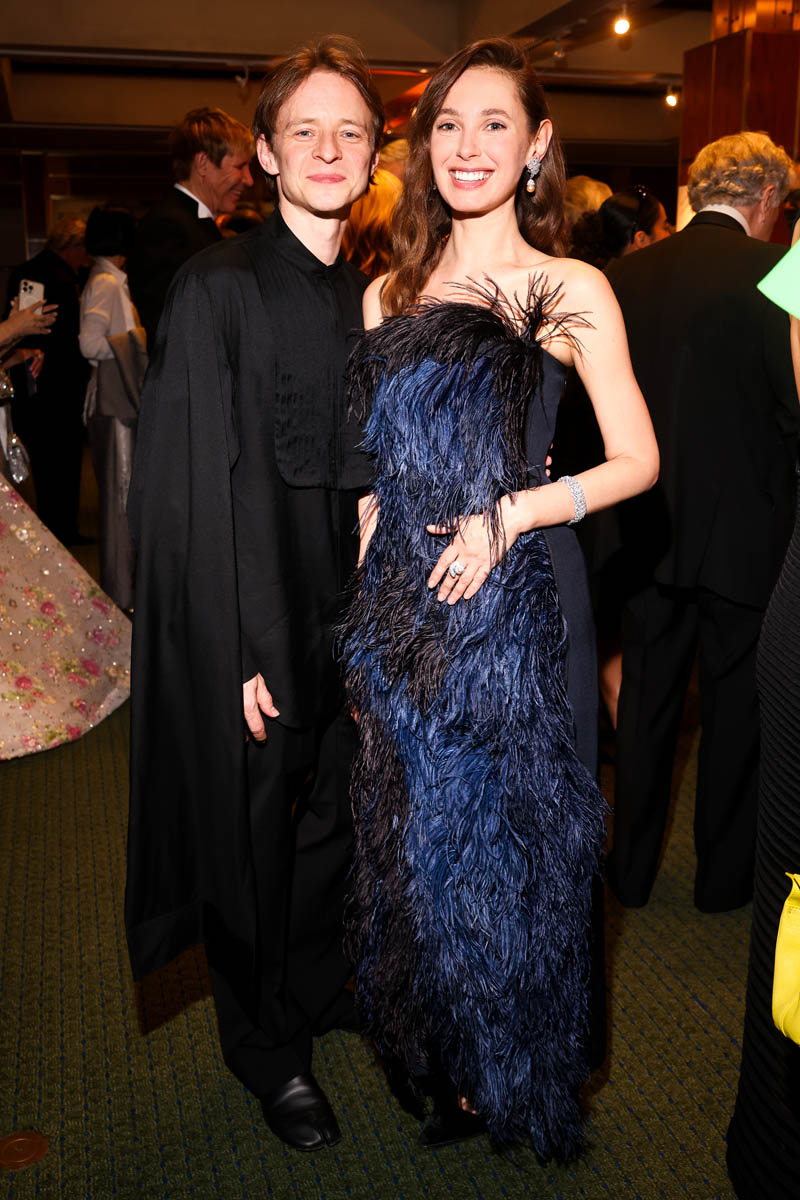




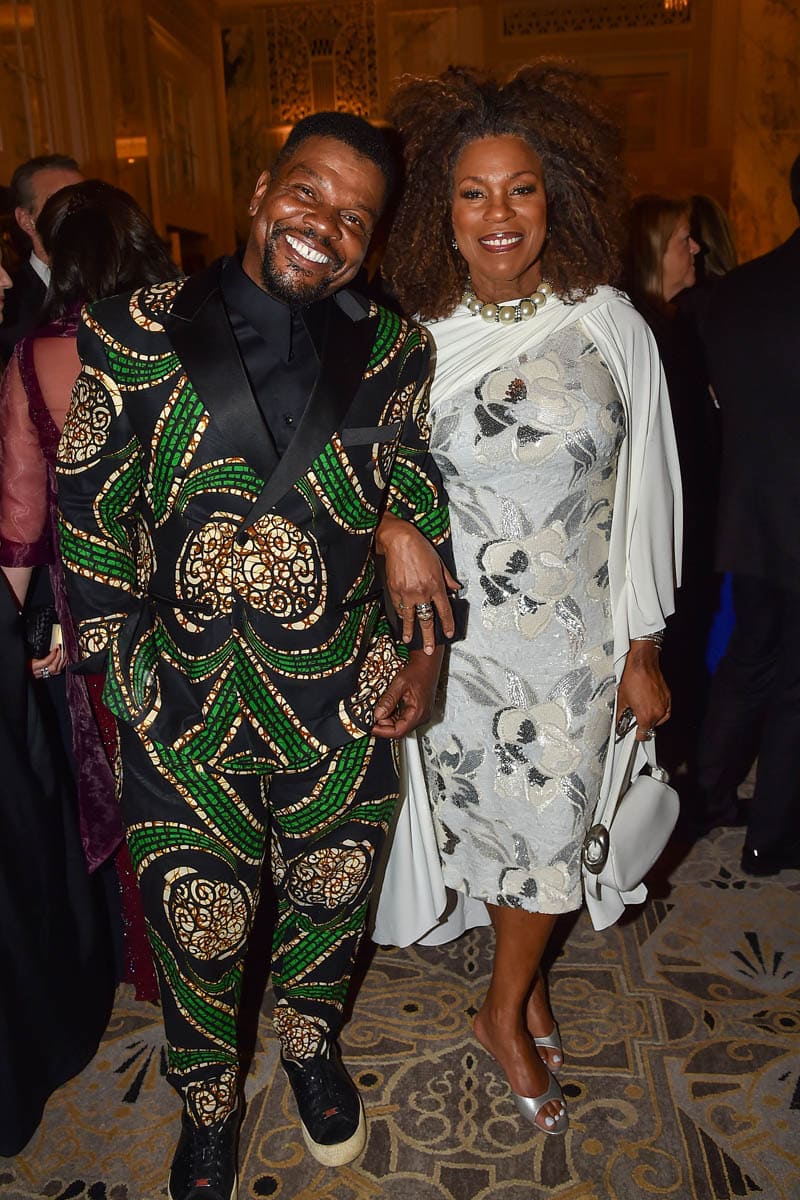














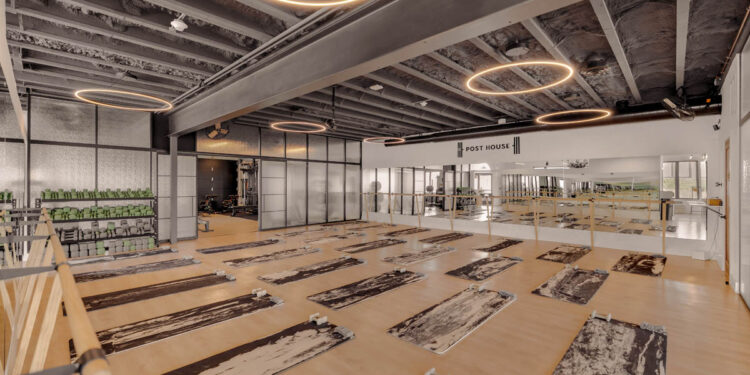
Post House, set at 31 Long Island Avenue in Sag Harbor, is redefining the fitness studio concept, blending high-performance training with the energy of a live experience. Co-founded by Geno McDermott, Emmy Award–winning producer, Post House brings a fresh perspective to the Hamptons wellness scene. Workouts are designed to feel as dynamic and engaging as the lifestyle that surrounds them.

The 126th U.S. Open returns to the historic Shinnecock Hills Golf Club from June 18–21, 2026, bringing the world's top golfers to one of the sport's most revered golf courses. On Friday, June 12th, the U.S. Open Championship Trophy arrived...
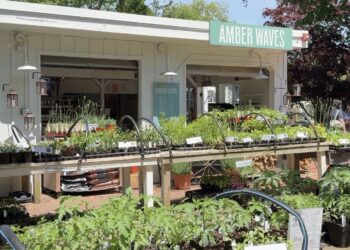
Amber Waves Farm is a nonprofit teaching farm in Amagansett, New York, focused on connecting food, farming, and community. The organization is built on four core values: stewardship, sustainability, community, and exploration. Through these principles, Amber Waves works to preserve...

Check out the top Hamptons events this weekend! From the Knicks watching party in Amagansett to Prospa's set at Surf Lodge, which event are you excited for?

Saunders & Associates agents are once again earning national recognition for elite success in Hamptons real estate, with a new slate of rankings from RealTrends underscoring the firm’s strength in one of the country’s most competitive luxury markets. The honors reflect...

Charlotte Sasso and Jennifer Brew join the show to spotlight the LVIS Fair in Amagansett, one of the East End’s most beloved annual events. The free, family-friendly fair features pony rides, a petting zoo, shopping booths, food, and a silent auction with hundreds...

Westhampton Beach offers a dining scene that feels equal parts relaxed and refined. Whether you're grabbing a quick breakfast before the beach, enjoying a leisurely lunch, or settling in for a lively dinner after sunset, the options strike the perfect...
Over the past week, there were 25 Listings that went into contract from Westhampton to Montauk. Compared to this same week last year (2025), there were 41 Listings that went into contract. Which is a year over year DECREASE of...
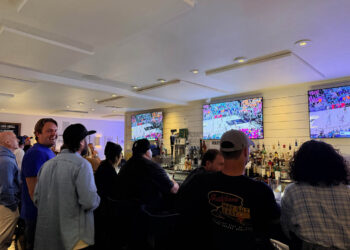
Your New York Knicks have made the NBA Finals for the first time since 1999! That means it's time to show your support for the home team, even if you don’t know Jalen from Rick Brunsen. This year, instead of...

Eleanor Whitmore Early Childhood Center is once again kicking off the summer season with its annual Summer Benefit, a beloved community gathering that supports one of the East End's most important missions. This year's Summer Kickoff Cocktail Party will take...

Southampton Fresh Air Home (SFAH) welcomed more than 500 guests at its Decorators-Designers-Dealers (D-D-D) Sale and Auction Benefit Gala this past weekend in Southampton. Guests enjoyed a fantastic evening of cocktails, shopping, and lively bidding.

There was a lot of buzz before the World Premiere official opening Saturday night of Mister Halston at the Bay Street Theater. It is Bay Street Theater's first show of the season. Matt McGrath is riveting as Mister Halston. His...
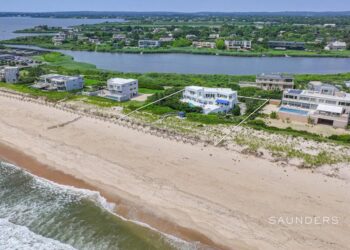
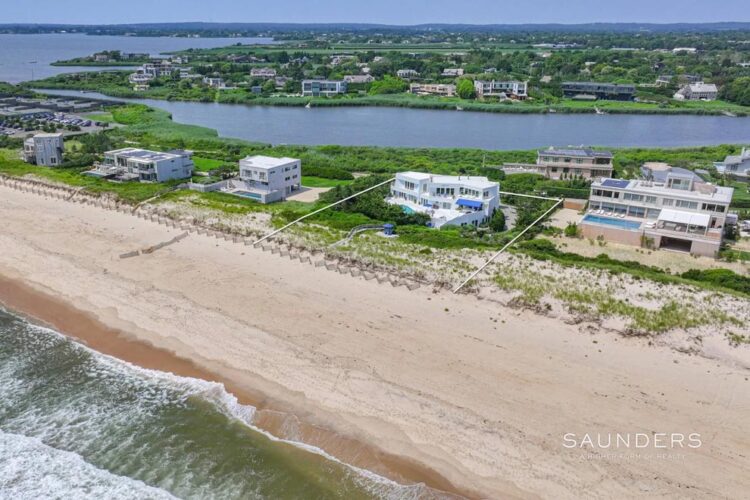
Experience an extraordinary summer in the Hamptons with this rare oceanfront rental on Mid Ocean Dr. Available from Memorial Day to Labor Day, this designer-furnished home offers six bedrooms, six baths, and stunning ocean views from every room.
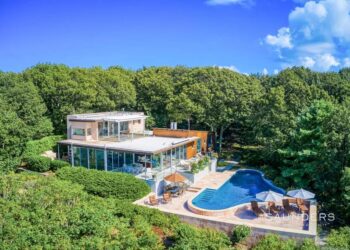
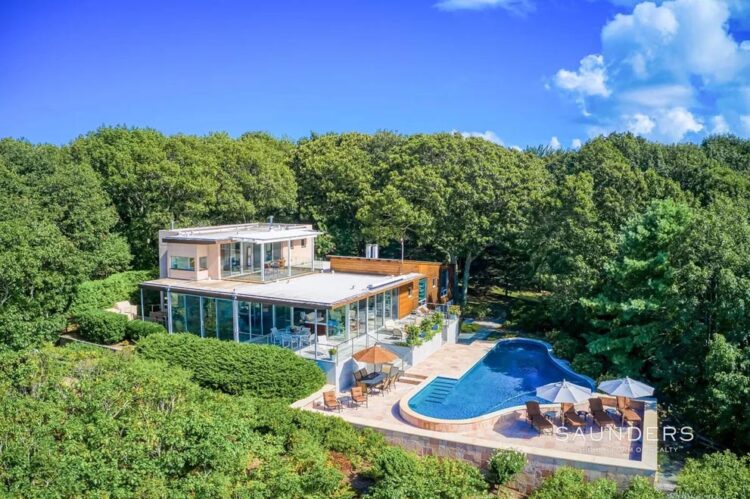
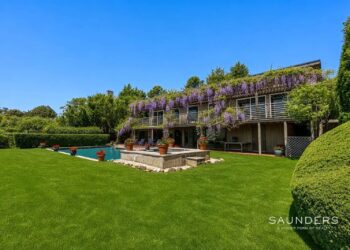
Built in 2002, "Treetops" is an AIA Archi Award-winning modern classic that boasts some of the most sweeping and unobstructed views on Eastern Long Island—stretching across the North Fork, Peconic Bay, Long Island Sound, and reaching to Connecticut.
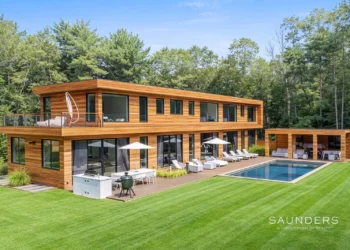
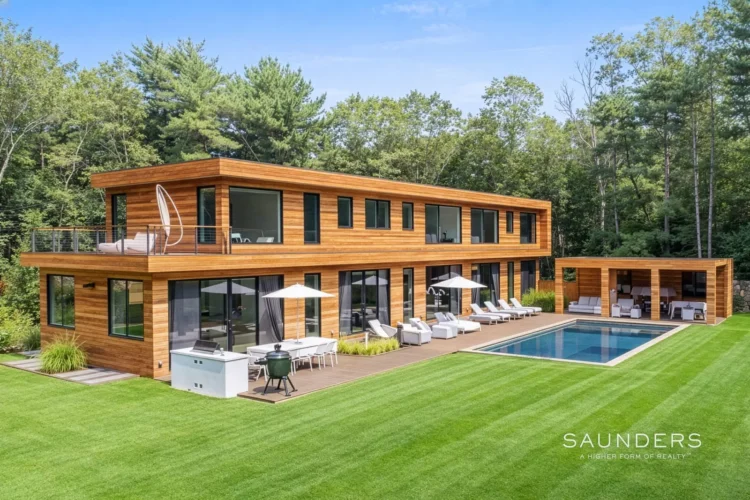
Luxury, sustainability, and elegance are yours in this 7400 +/- SF modern residence tucked away on nearly 3 acres of serenity. Cutting-edge design by Modern NetZero capitalizes on the cascading natural light, expanding the connection between the open floor plan...
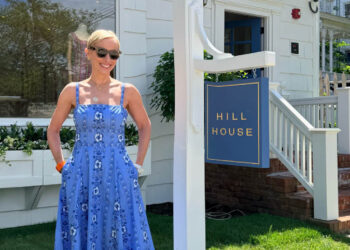
Located at 127 Main Street, the boutique is bright, cheerful, and filled with the effortless summer style the brand is known for. The store carries both Hill House Home’s fashion and home collections, including the newest summer pieces that feel...

Kith and Vivrelle have collaborated on a summer pop-up in Bridgehampton, bringing together contemporary fashion and luxury accessory rentals in a single retail experience. Running now through Labor Day, the store showcases Kith Women’s latest seasonal collections while introducing shoppers...

This Friday night, Newtown Lane in East Hampton Village will be transformed into the ultimate Hamptons sports bar for Game 2 of the NBA Finals, as the New York Knicks seek to take a 2-0 series lead against the San...

The Hamptons real estate market is heading into peak summer with real momentum. We are joined by Maria Markovic for a smart, honest conversation about building a long-term career in real estate. Maria shares how starting as an administrator gave...
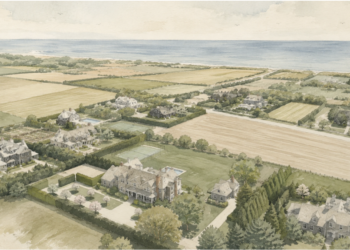
Sagaponack has become one of the wealthiest enclaves in America, and when you spend time there, it is easy to understand why. The scale of the properties, the privacy, the farm fields, and the ocean access create a combination that...
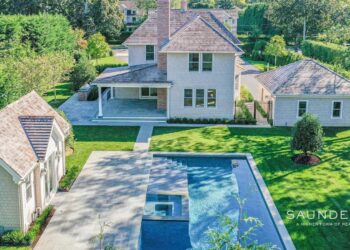
Over the past week, there were 31 Listings that went into contract from Westhampton to Montauk. Compared to this same week last year (2025), there were 24 Listings that went into contract. Which is a year over year INCREASE of...

HamptonsFilm announced that its annual SummerDocs series will return for its 18th edition in partnership with Guild Hall. This summer’s lineup will feature a selection of the year’s most anticipated documentary features from some of the industry’s leading storytellers.
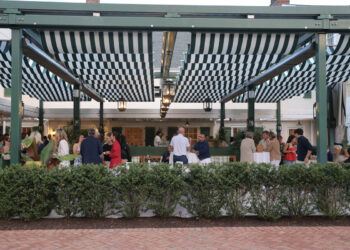
On Tuesday, May 19, Good Ground Tavern celebrated a special evening as it unveiled a new chapter in dining with the appointment of Michelin-starred Chef Mathew Woolf as Executive Chef of the historic Canoe Place Inn in Hampton Bays.
Saunders & Associates agents are once again earning national recognition for elite success in Hamptons real estate, with a new...
Read moreDetailsCharlotte Sasso and Jennifer Brew join the show to spotlight the LVIS Fair in Amagansett, one of the East End’s most beloved annual...
Read moreDetailsOver the past week, there were 25 Listings that went into contract from Westhampton to Montauk. Compared to this same...
Read moreDetailsExperience an extraordinary summer in the Hamptons with this rare oceanfront rental on Mid Ocean Dr. Available from Memorial Day...
Read moreDetailsBuilt in 2002, "Treetops" is an AIA Archi Award-winning modern classic that boasts some of the most sweeping and unobstructed...
Read moreDetailsLuxury, sustainability, and elegance are yours in this 7400 +/- SF modern residence tucked away on nearly 3 acres of...
Read moreDetails